
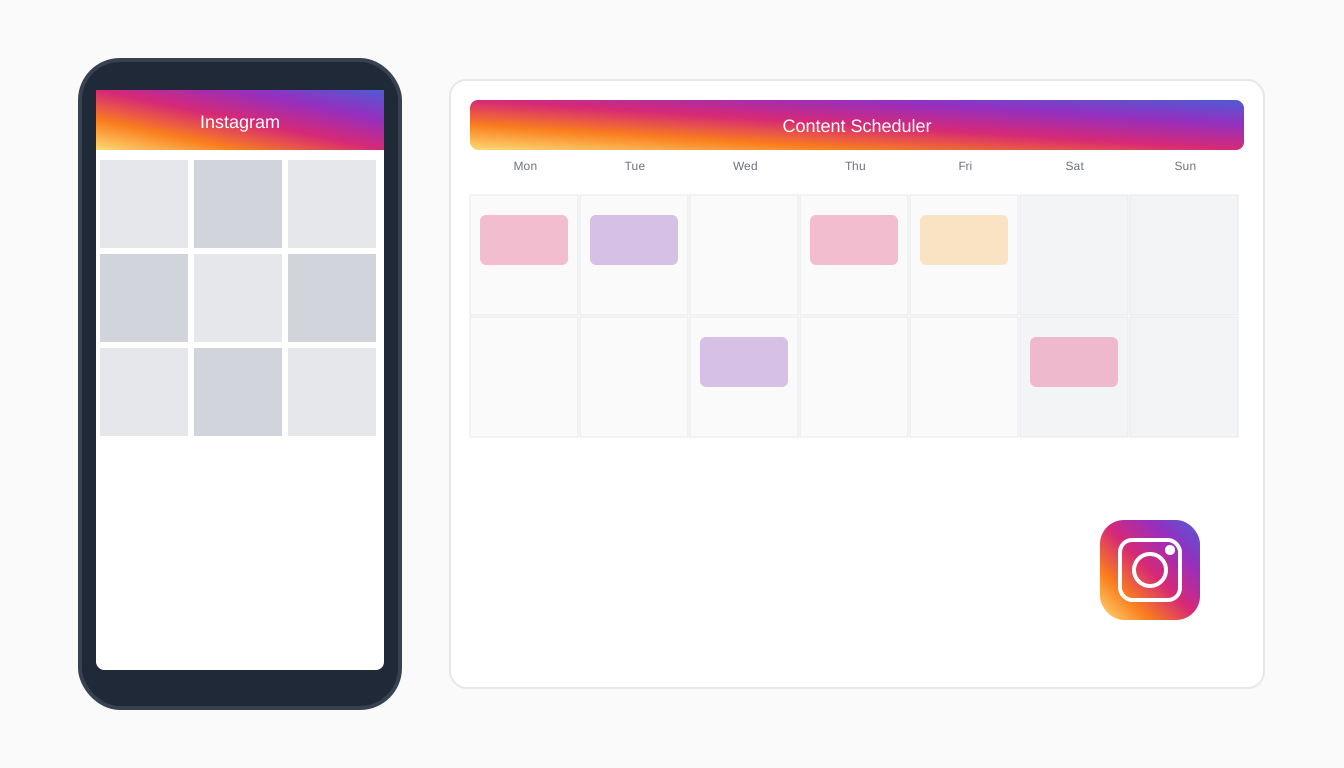
Instagram remains one of the most powerful platforms for building a brand, growing an audience, and driving business results. But with the pressure to post consistently, create quality content, and engage with followers, managing your Instagram presence can feel like a full-time job.
The solution? Smart scheduling. In this ultimate guide, you'll learn everything you need to know about scheduling Instagram posts like a pro—from choosing the right tools to optimizing your posting strategy for maximum growth.
Why Scheduling Instagram Posts Matters
Let's start with the fundamentals. Here's why pro creators and businesses schedule their Instagram content:
Consistency Drives Growth
The Instagram algorithm rewards accounts that post regularly. Scheduling ensures you never miss a posting window, even when life gets busy.
Optimal Timing = Better Reach
Your audience isn't online 24/7. Scheduling lets you publish when your followers are most active, regardless of your own schedule.
Quality Over Quantity
When you batch create content, you have time to craft better posts. No more rushed captions written on the go.
Mental Freedom
Knowing your content is handled for the week reduces the daily pressure of "what should I post today?"
What You Can Schedule on Instagram
Instagram supports scheduling for:
- Feed posts — Single images and carousels
- Reels — Short-form video content
- Stories — 24-hour temporary content (through some third-party tools)
- Carousel posts — Multi-image posts
Note: Some features like interactive stickers in Stories may have limitations when scheduled through third-party tools.
How to Schedule Instagram Posts (Step by Step)
Step 1: Define Your Content Pillars
Before scheduling, establish what you'll post about. Content pillars are 3-5 themes that define your brand:
Examples for a fitness coach:
- Workout tips and tutorials
- Nutrition advice
- Client transformations
- Personal journey and motivation
- Behind-the-scenes content
Step 2: Create Your Content Calendar
Map out your posting schedule:
- How often? — 3-7 feed posts per week is a good starting point
- What days? — Choose specific days for specific content types
- What times? — Use Instagram Insights to find when your audience is active
Step 3: Batch Create Your Content
Set aside dedicated time to create multiple posts at once:
- Capture visuals — Take photos/videos in batches
- Write captions — Use AI tools like Pylot to speed this up
- Design graphics — Create carousel slides or quote images
- Prepare hashtags — Research and save hashtag sets
Step 4: Choose Your Scheduling Tool
Select a tool that fits your workflow. Key features to look for:
- Direct Instagram publishing (no notification required)
- Visual content calendar
- Hashtag management
- Analytics and insights
- AI caption generation
Step 5: Upload and Schedule
Add your content to your scheduler:
- Upload your image or video
- Write (or AI-generate) your caption
- Add hashtags
- Select your posting date and time
- Preview how it will look
- Confirm and schedule
Step 6: Engage After Posting
Scheduling handles publishing, but you still need to:
- Respond to comments within the first hour
- Reply to DMs
- Engage with other accounts in your niche
Best Times to Post on Instagram
While optimal times vary by audience, here are general guidelines:
Weekdays
- Best: 6-9 AM, 12-2 PM, 7-9 PM (in your audience's timezone)
- Peak days: Tuesday, Wednesday, Thursday
Weekends
- Best: 9-11 AM
- Generally lower engagement than weekdays for B2B; can be higher for B2C/lifestyle
Pro Tip
Use your Instagram Insights to find YOUR audience's active hours. Generic advice is a starting point, not gospel.
Scheduling Tools Compared
Pylot
Best for: Creators wanting AI-powered scheduling
Pylot uses AI to learn your brand voice and generate captions that sound like you. Perfect for busy creators who want quality content without the time investment.
Key features:
- AI caption generation matching your voice
- Multi-platform scheduling
- Visual content calendar
- Brand voice analysis
- Affordable for solopreneurs
Meta Business Suite
Best for: Free native scheduling
Meta's free tool allows basic Instagram and Facebook scheduling. It's limited but costs nothing.
Features:
- Free to use
- Basic scheduling
- Limited analytics
- No AI assistance
Later
Best for: Visual-first planners
Later's drag-and-drop calendar is great for visualizing your feed aesthetic.
Features:
- Visual content calendar
- Link in bio tool
- Basic analytics
- Hashtag suggestions
Hootsuite
Best for: Enterprise teams
Full-featured but expensive, Hootsuite is overkill for most individual creators.
Instagram Scheduling Strategies
The 3-2-1 Content Mix
A balanced content strategy:
- 3 value posts — Tips, tutorials, educational content
- 2 engagement posts — Questions, polls, interactive content
- 1 promotional post — Your offer, product, or service
The Pillar Rotation
Rotate through your content pillars throughout the week:
- Monday: Behind-the-scenes
- Wednesday: Educational tip
- Friday: Client/customer feature
- Sunday: Personal story
The Batch + Drip Method
- Create 2-4 weeks of content in one session
- Schedule it to drip out over time
- Fill gaps with timely, real-time content
Common Scheduling Mistakes to Avoid
1. Set It and Forget It
Scheduling doesn't mean disappearing. You still need to engage!
2. Ignoring Current Events
If something major happens in your industry or the world, pause scheduled content that might seem tone-deaf.
3. Over-Scheduling
Posting 5 times daily because it's "scheduled anyway" will fatigue your audience. Quality beats quantity.
4. Identical Cross-Posting
Don't schedule the exact same content to Instagram, LinkedIn, and Twitter. Each platform has different audiences and formats.
5. Forgetting Stories
Many schedulers focus on feed posts. Don't neglect Stories—they're crucial for algorithm favor and audience connection.
Advanced Scheduling Tips
Use Content Themes
Assign themes to specific days:
- Motivation Monday — Inspirational content
- Tutorial Tuesday — How-to posts
- Behind-the-Scenes Thursday — Personal/business glimpses
- Feature Friday — Highlight customers or collaborators
Create Hashtag Sets
Save groups of hashtags for different content types:
- General brand hashtags (use always)
- Topic-specific hashtags (rotate based on post)
- Community hashtags (for engagement)
Schedule Carousel Posts Strategically
Carousels get more engagement but take more effort. Schedule them for your peak engagement days.
Leave Buffer Time
Don't schedule posts back-to-back. Leave at least 4-6 hours between feed posts.
Getting Started Today
Ready to schedule like a pro? Here's your action plan:
- Choose your tool — Try Pylot free for AI-powered scheduling
- Audit your content — What pillars will you focus on?
- Batch create — Set aside 2-3 hours to create a week of content
- Schedule it out — Use optimal times for your audience
- Engage daily — Scheduling handles posting, not community building
Frequently Asked Questions
Does scheduling hurt Instagram reach?
No. Posts scheduled through official API integrations are treated the same as manual posts by the algorithm.
Can I schedule Instagram Reels?
Yes! Most modern schedulers support Reels scheduling. Check that your tool has this feature if Reels are important to your strategy.
How far in advance should I schedule?
1-2 weeks is the sweet spot. Far enough to reduce stress, close enough to stay relevant.
Can I schedule Stories?
Some tools support Story scheduling, though features may be limited. Native Instagram doesn't allow advance Story scheduling.
What happens if I need to change a scheduled post?
Most schedulers let you edit or delete scheduled posts before they go live. Just log in and make your changes.
Conclusion
Scheduling Instagram posts isn't just about saving time—it's about showing up consistently, posting strategically, and freeing your mental energy for the work that matters most.
Whether you're a solo creator or managing multiple accounts, the right scheduling tool transforms Instagram from a daily burden into a streamlined part of your workflow.
Start with one week of scheduled content. See how it feels to know your posts are handled. Then expand from there.
Get started with Pylot and experience AI-powered scheduling that actually sounds like you. Your future self will thank you.